
Free Android App · No Bundled Channels
The IPTV, M3U & Xtream player built for people who bring their own playlists
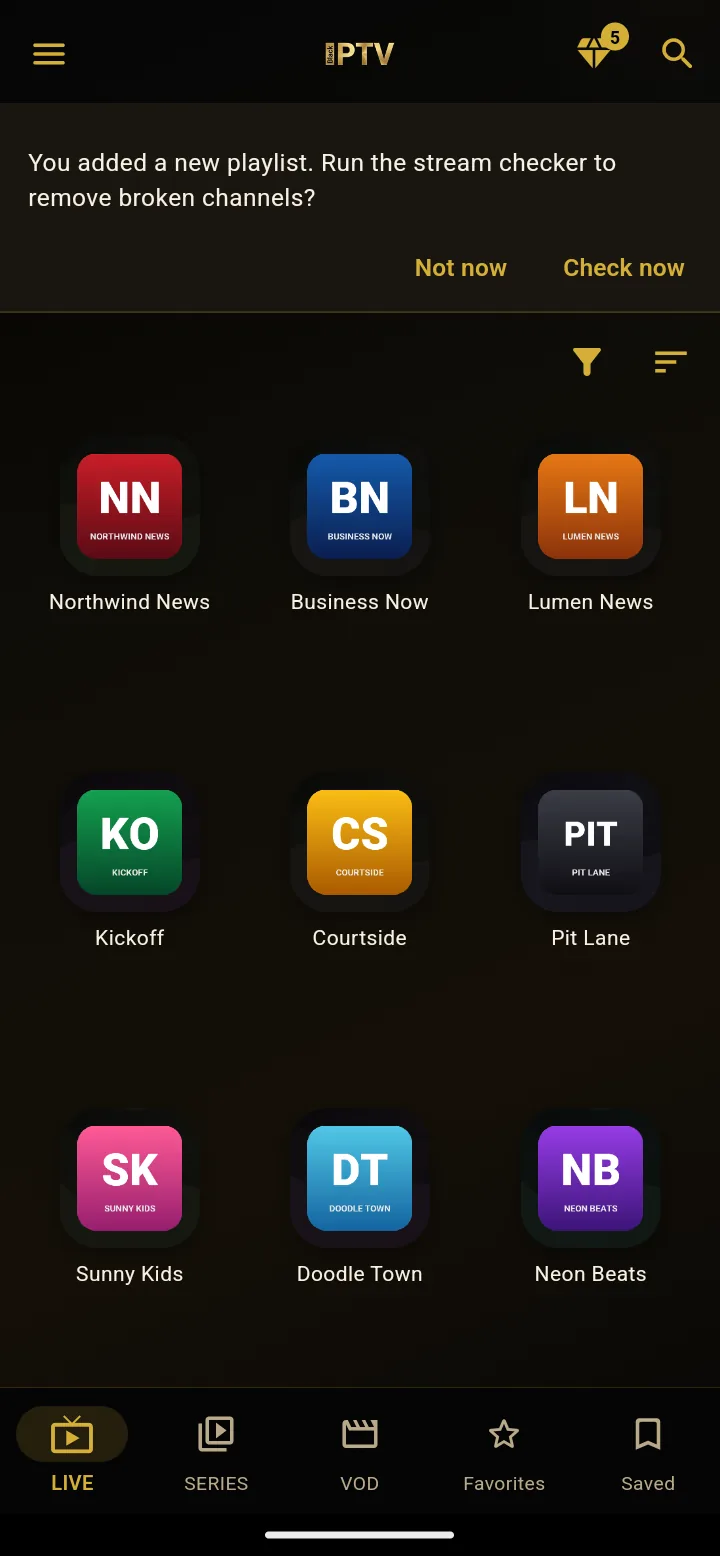
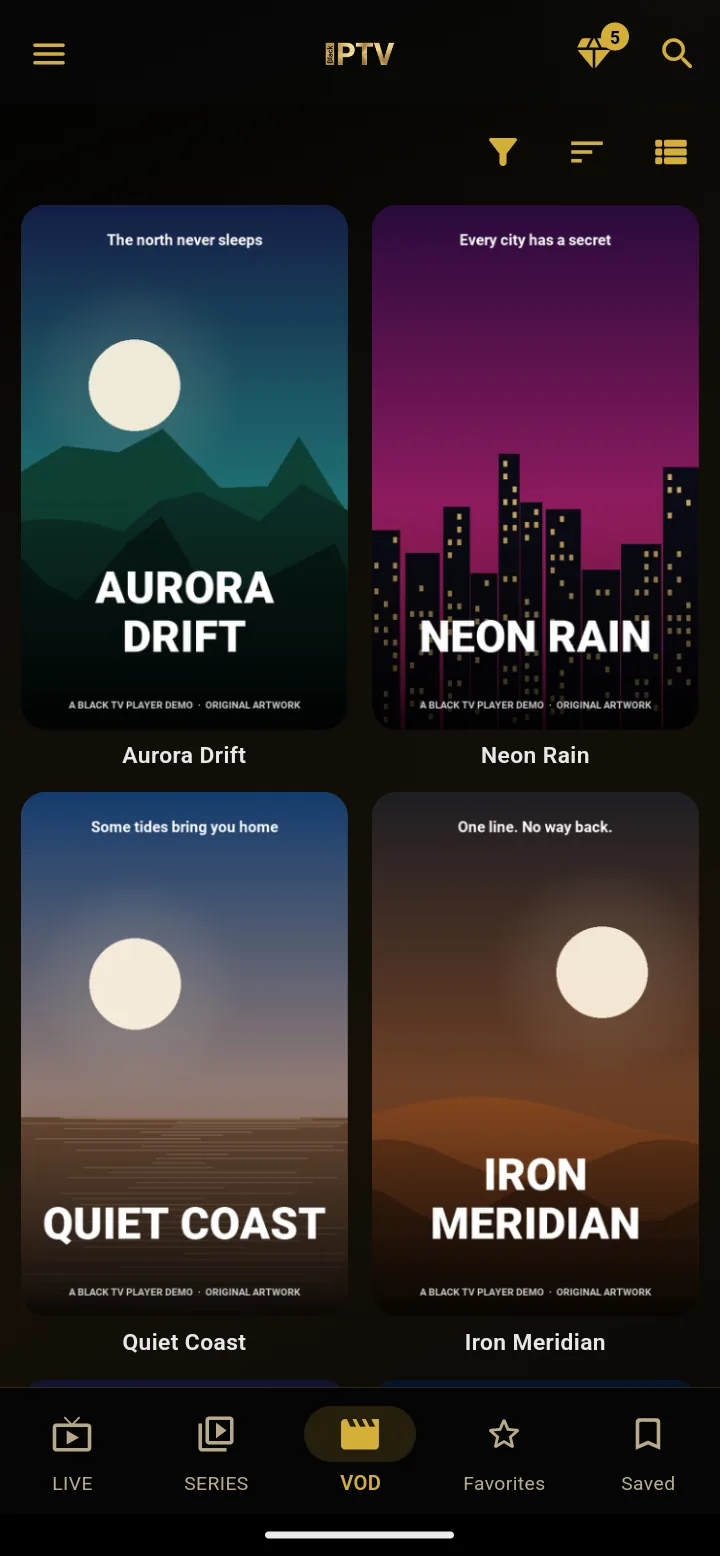
Black IPTV is a fast, private, dark-themed media player for Android. Load your own M3U / M3U8 playlists or sign in to an Xtream Codes API panel you already own, then enjoy live TV, movies, and series with Multi-View, offline playback, PVR recording, and Picture-in-Picture.
- 100% free
- No preloaded channels
- Privacy-first
- M3U
- M3U8
- Xtream Codes API
- HLS
Why Black IPTV
A player first, not a content store
Most people searching for an IPTV player, an M3U player, or an Xtream Codes player for Android want the same three things: speed, privacy, and control. Black IPTV is built exactly for that — import the playlists you already have permission to use, and get a fast, distraction-free player around them.
The app stays lightweight so it opens instantly, uses an elegant dark interface that is easy on the eyes at night, and ships with a multi-language UI for international households. You decide what gets added, what gets recorded, and what stays offline on your own phone or tablet.
Everything you need
Built for M3U, Xtream Codes, and offline viewing
Powerful playlist and playback tools — nothing preloaded, nothing hosted by us.
M3U, M3U8 & Xtream Codes
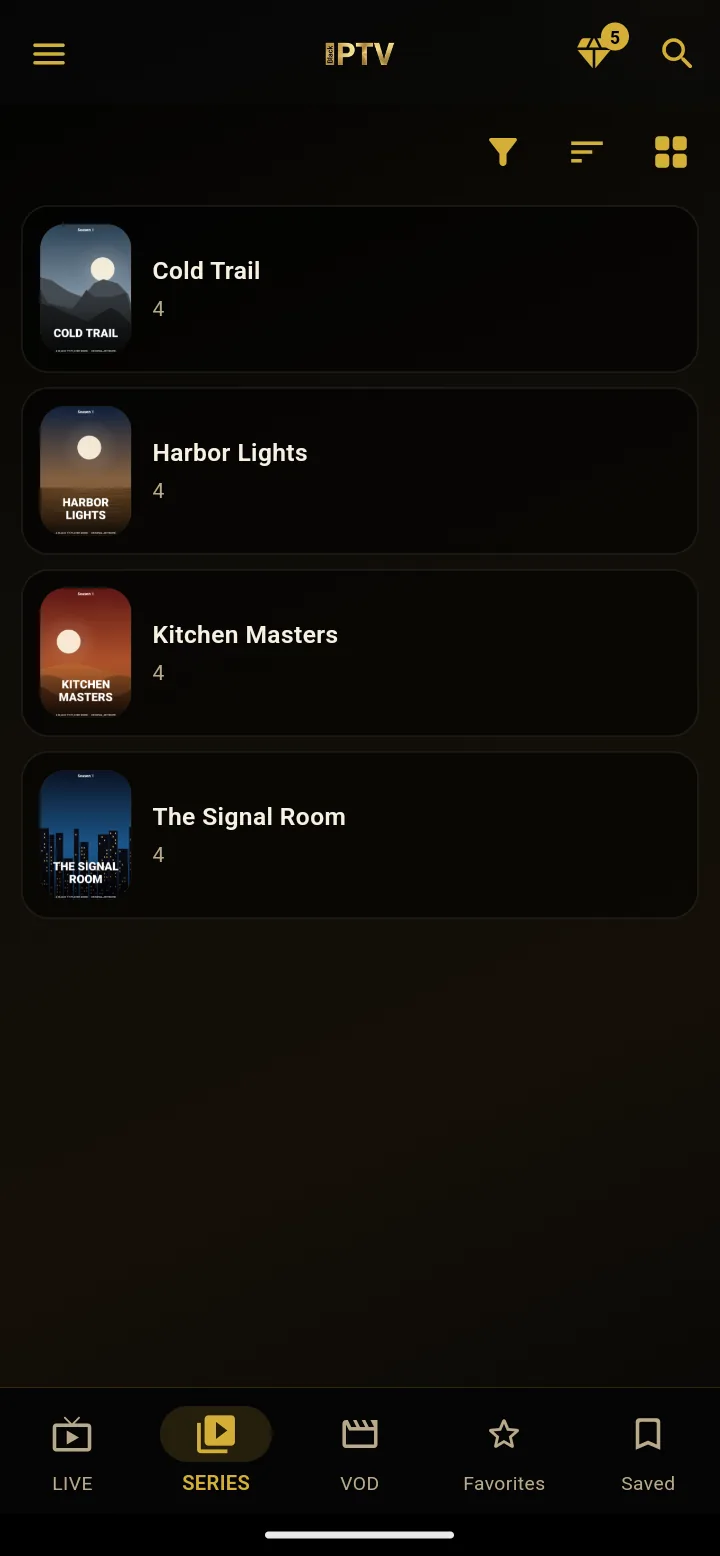
Import playlists by URL or file, or sign in to any Xtream Codes API panel — live TV, VOD, and series load automatically.
Multi-View
Watch several streams at the same time on one Android screen — perfect for sports days and multitasking.
Offline mode
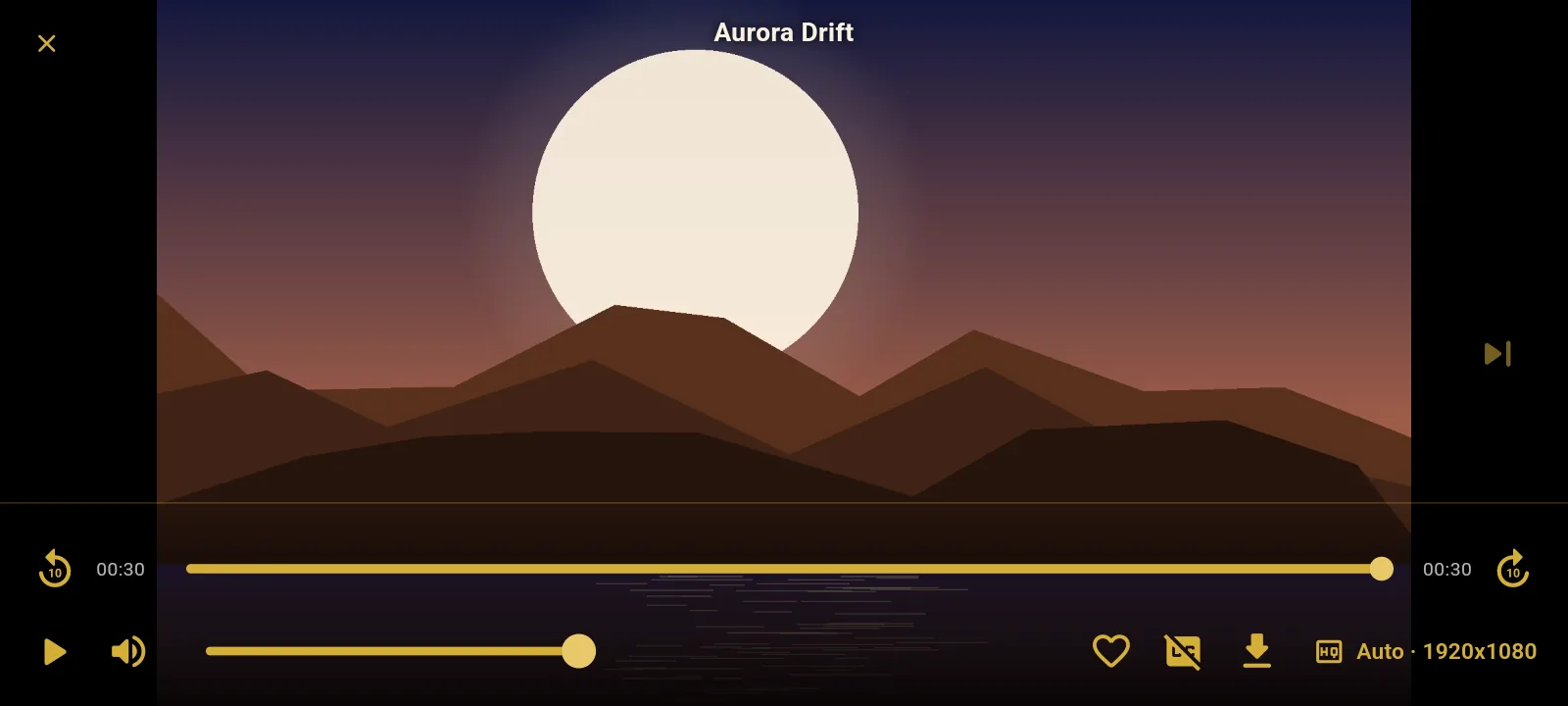
Download your own media and PVR recordings, then watch them anywhere without a live connection.
PVR local recording
Record live broadcasts straight to your device and build your own personal library.
Picture-in-Picture
Keep the stream floating in a small window while you browse, chat, or use other apps.
Web & QR pairing
Type long playlist URLs once on your PC, then scan a QR code to send them straight to your phone.
Parental lock
Protect sensitive categories with a PIN so the whole family can safely share one device.
Audio & subtitles
Switch embedded audio tracks and subtitle streams instantly, mid-playback.
Three steps
How Black IPTV works
- 1
Download from Google Play
Install Black IPTV on your Android phone or tablet for free.
- 2
Add your own playlist
Import an M3U / M3U8 link or Xtream Codes API login you already own.
- 3
Watch and manage
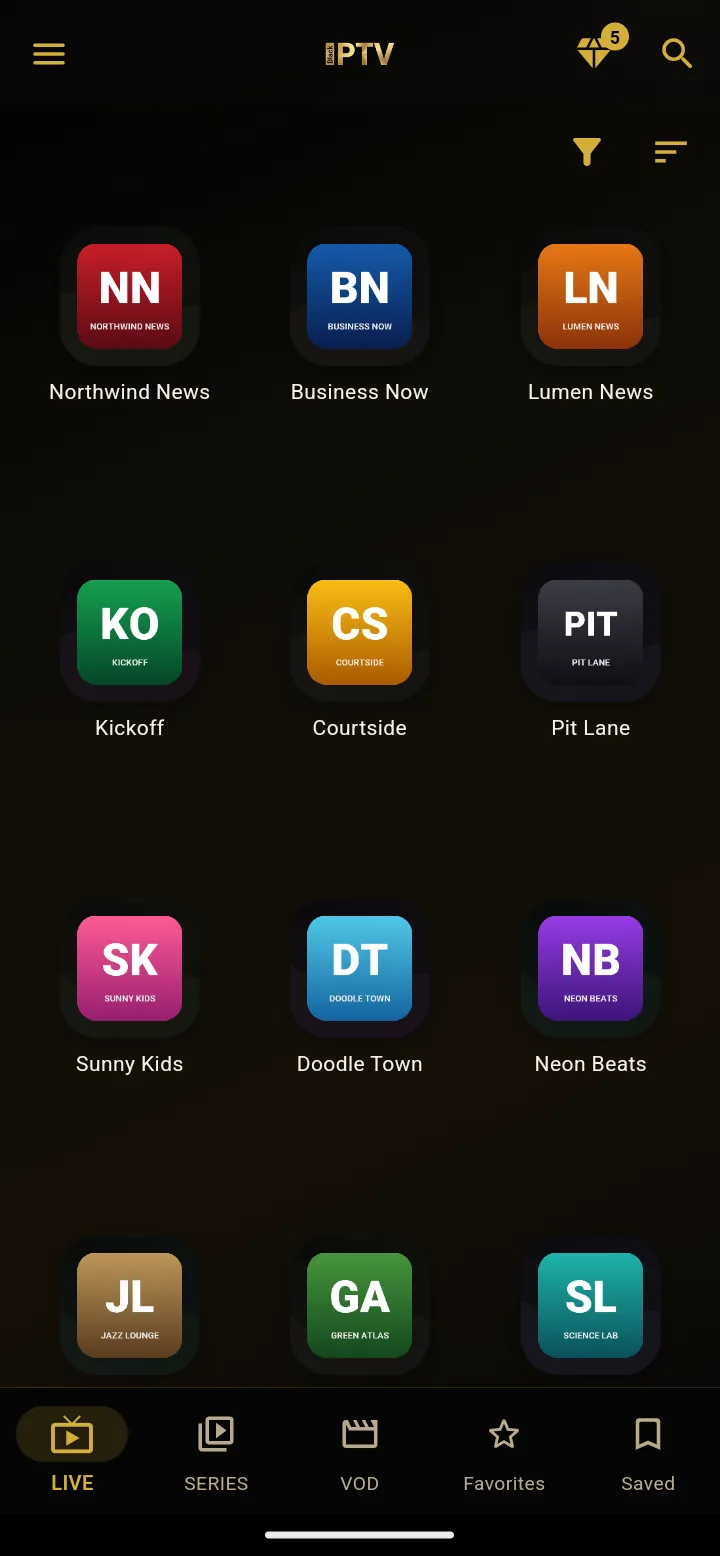
Browse live TV, movies, and series, save favorites, and use PiP, Multi-View, or PVR.
Bring your own playlist. We'll handle the playback.
Free on Google Play — no account, no subscription, no bundled channels.
 Black TV PlayerA remote-first IPTV player for Fire TV, Android TV and Google TV.tv.blackiptv.click →
Questions
Frequently asked questions
Is Black IPTV an IPTV subscription service?
No. Black IPTV does not sell, host, or supply TV channels. It is a player application for playlists and streams that you add yourself, whether M3U, M3U8, or Xtream Codes API.
What is the difference between M3U and M3U8?
M3U8 is simply the UTF-8 text-encoded variant of the M3U playlist format, most common with HLS live streams. Black IPTV reads both formats identically — no conversion required.
Does Black IPTV support Xtream Codes?
Yes. Sign in with the server address, username, and password from any Xtream Codes API compatible panel you already own, and your live TV, movies, and series load automatically.
Which devices are supported?
Black IPTV targets Android phones and tablets. Download the official build from Google Play for the best performance and updates.
Can I import playlists from my computer?
Yes. Use quick web and QR pairing to import playlists from your PC or browser without typing long URLs on your phone.
Does the app support parental controls?
Yes. PIN lock protection helps keep sensitive categories safer for families sharing a device.
More feature guides
Black IPTV — Feature guides
Stream Checker
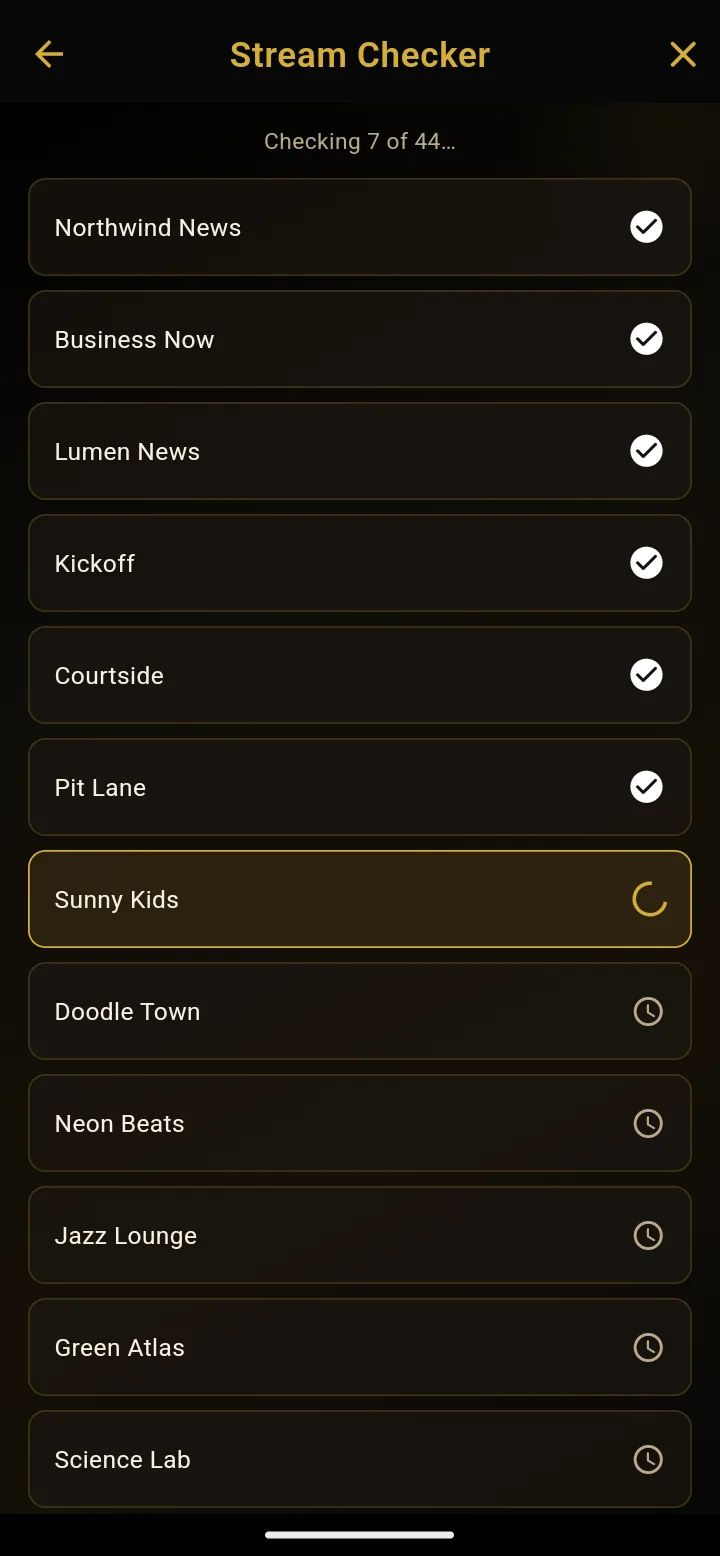
IPTV playlists change constantly — providers drop channels, links expire, servers go offline. Stream Checker scans every channel in a playlist in sequence and shows exactly which ones still work, so your list stays clean without testing each link by hand.
Read the full guideM3U, M3U8 & Xtream Codes
Black IPTV is built around one idea: you bring the playlist, we bring the player. Whether your provider gives you a plain M3U link, an M3U8 (HLS) URL, or Xtream Codes API credentials, Black IPTV reads all three natively — no conversion tools, no third-party scripts, no manual editing required.
Read the full guideMulti-View
Multi-View turns a single Android screen into a wall of live streams. Instead of switching back and forth between channels, you place several playing at once, side by side, and follow all of them without missing a moment.
Read the full guideOffline mode
Not every moment has good internet — a flight, a commute, a weak signal at home. Offline mode lets Black IPTV keep a local copy of your own media and PVR recordings, so playback never depends on a live connection.
Read the full guidePVR local recording
PVR turns Black IPTV into a personal recorder. Start a recording on any live channel and the broadcast is saved directly to your device — ready to watch again whenever you want, with no live connection required afterward.
Read the full guidePicture-in-Picture
Picture-in-Picture (PiP) shrinks the player into a small floating window that stays on top of everything else on your screen, so a live stream never has to stop just because you switched apps.
Read the full guideWeb & QR pairing
Typing a long M3U link or an Xtream Codes server address on a phone keyboard is slow and error-prone. Web & QR pairing solves that: type it once on a computer, then scan a code to send it straight to the app.
Read the full guideParental lock
When one device is shared across a household, not every category should be one tap away for every family member. Parental lock adds a PIN gate in front of the categories you choose, so access stays under your control.
Read the full guideAudio & subtitles
Many streams carry more than one audio track or subtitle option — a second language, a commentary track, or captions. Black IPTV exposes every track embedded in the stream and lets you switch between them without interrupting playback.
Read the full guideImportant disclaimer
- Black IPTV Player does not host, provide, bundle, or supply any TV channels, media, or copyrighted streams.
- Users must add and play their own legal content and playlists.
- We do not endorse, promote, or facilitate the unauthorized streaming of copyrighted material.